We dug into our own data to find use cases for Slack integrations. Here are some examples on how companies are building Slack integrations.
DevOps Platform · San Francisco, CA · Slack Integration
GitLab has a native Slack app that connects your GitLab projects directly to your Slack workspace.
Once installed, it works in two directions. From Slack, you can run slash commands to interact with GitLab without leaving the conversation, creating issues, searching for them, closing them, adding comments, or triggering deployments to specific environments. From GitLab, you can push notifications to any Slack channel you choose, covering pretty much every event in the development lifecycle: pushes, merge requests, pipeline status changes, deployments, wiki updates, incidents, and new security vulnerabilities.
For a company that already runs its entire development workflow through GitLab, this makes Slack feel like a lightweight frontend to the whole thing.
Financial Services · Salt Lake City, UT
Brex is a corporate card and expense management platform, and their Slack integration is built around the most time-sensitive part of that: approvals and expense review.
From Slack, finance admins and managers can approve or deny spend limit requests, travel booking requests, and card expenses without ever opening the Brex dashboard. Employees get reminders about expenses missing receipts or memos, and can upload receipts and add notes directly from the message. The whole idea is to remove the back-and-forth that usually happens when someone needs sign-off on something.
There's also an AI assistant baked in. Once enabled, you can ask it questions about your company's expense policy, check on spend limits, or update expense details, all from Slack.
For a finance tool, getting approvals out of email and into Slack is a meaningful shift. It's where the decisions actually happen.
Social Media Management · Chicago, IL
Sprout Social is a social media management platform, and their Slack integration is focused on keeping the right people in the loop on two specific workflows: content approvals and customer support cases.
When a post is submitted for approval or a customer case needs attention, a notification lands in whichever Slack channel you've set up for it. The notification is a direct link, so clicking it takes you straight to the relevant activity in Sprout rather than leaving you to hunt it down. You can set up multiple channels to keep approvals and cases separate, and each person in the channel can individually customize which notifications they actually want to see.
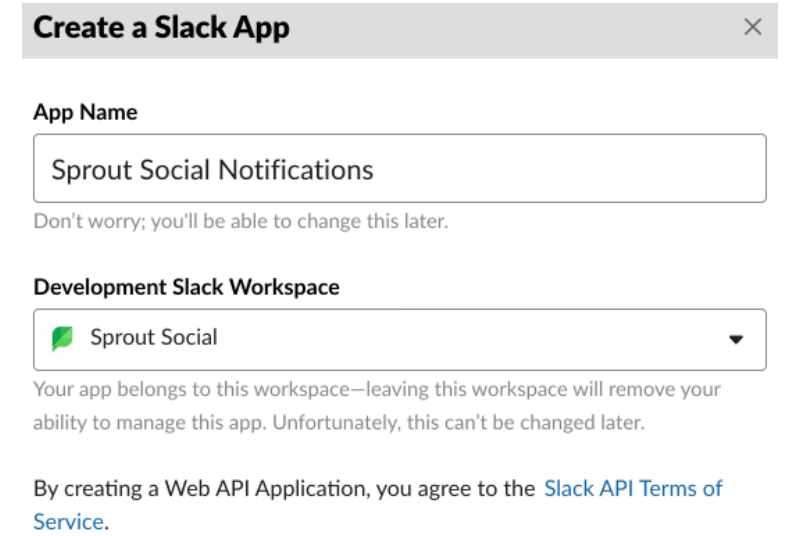
The setup is a bit more involved than most integrations - it requires creating a custom Slack app and configuring incoming webhooks manually - but once it's running, the connection is persistent and requires no ongoing maintenance.
For a social media platform where timing matters, getting approval and case alerts into Slack rather than email is the difference between catching something in time and missing it.
HR Software · Lindon, UT
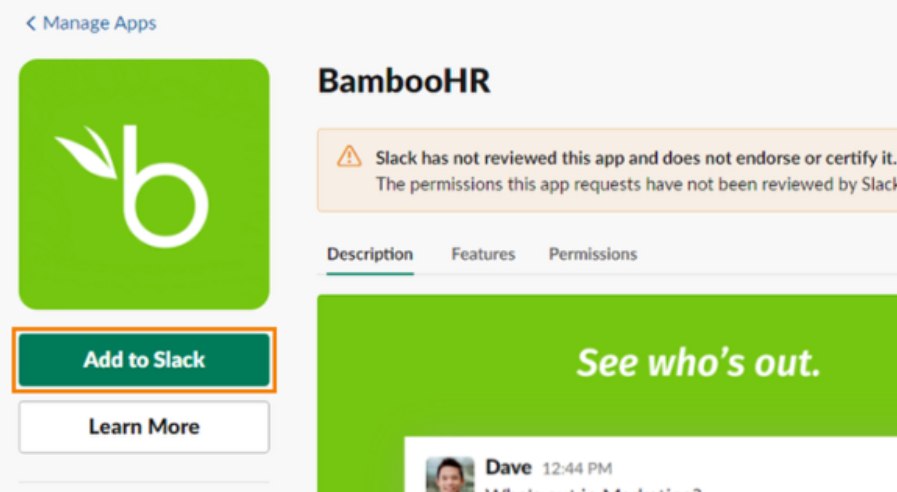
BambooHR is an HR platform, and their Slack integration brings the most frequently used HR actions into the place where employees already spend their day.
From Slack, employees can look up a colleague's contact details or department, check their time off balance for a future date, submit a time off request, or see who's out of the office filtered by department, location, or division. Managers get notified in Slack when time off requests or timesheets are waiting for their approval, so nothing sits unreviewed in a separate inbox.
It's a straightforward idea: the less employees have to context-switch to complete a routine HR task, the more likely they are to actually do it.
Project Management · San Diego, CA
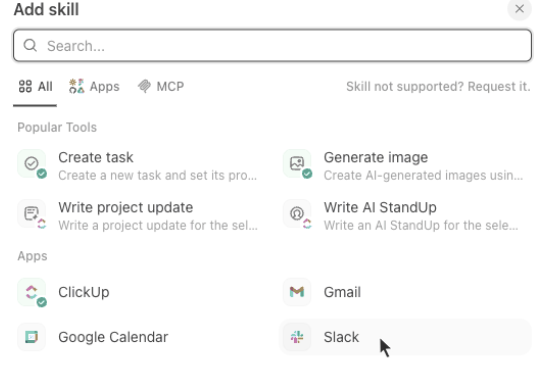
ClickUp is a project management platform, and their Slack integration is one of the deeper ones out there - it goes well beyond notifications.
You can create tasks directly from any Slack message, add a Slack message as a comment on an existing task, and sync specific ClickUp spaces, folders, and lists to Slack channels so stakeholders get updates automatically. When you paste a ClickUp task link into Slack, it unfurls with full details: status, assignees, priority, and more. It works the other way too - paste a Slack channel or message link into a ClickUp task and it embeds as a preview, with a sidebar icon that tracks every Slack link posted in that task over time.
There's also a Connected Search feature that indexes up to a year of Slack message history, making it searchable from inside ClickUp. And for automation, you can set up triggers that fire Slack messages based on activity in ClickUp, or trigger actions in ClickUp from Slack.
For a tool that's trying to be the single place where work gets tracked, pulling Slack conversations into that record rather than letting them disappear is the whole point.
Design Tools · San Francisco, CA
Figma is a design tool, and their Slack integration is built around the part of design work that most often gets stuck: feedback and review.
Once connected, you get two types of notifications. Personal notifications land directly in your Figma app channel in Slack and cover comments you've been mentioned in and invitations to files or projects. Channel subscriptions are more flexible - you can point any Slack channel at a specific Figma file, project, or team and choose how often updates come through: in real time, hourly, or as a daily digest. Comments made within ten minutes of each other get batched into a single message so channels don't get flooded.
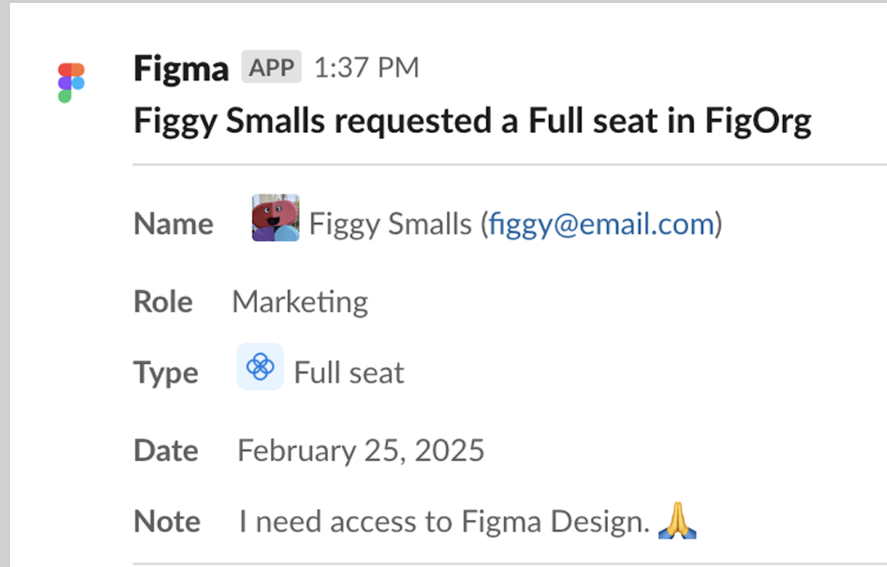
The practical use cases are straightforward. A dedicated channel for a project can receive all comments and branch updates on the relevant files. A general design channel can be notified whenever new files are added to a project. Admins can approve seat requests directly from Slack without switching to Figma.
For a tool where feedback loops between designers and stakeholders can easily stall, keeping those conversations visible in Slack rather than buried in email notifications makes a real difference.
Cloud Data Platform · Bozeman, MT
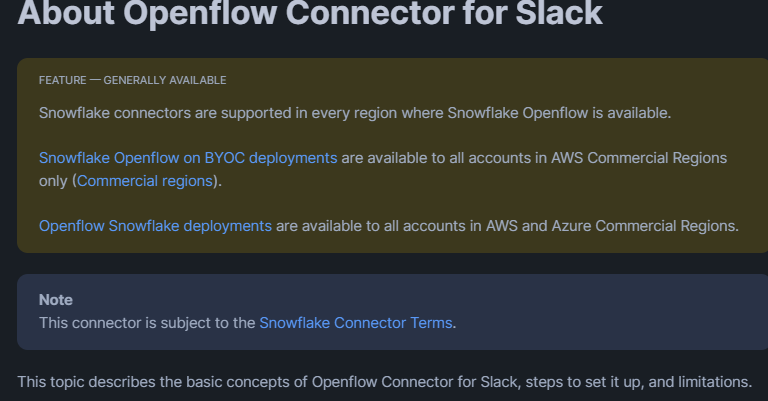
Snowflake is a cloud data platform, and their Slack integration is unlike anything else on this list. It's not about notifications or approvals - it's about pulling your entire Slack message history into Snowflake as structured data.
The Openflow Connector for Slack ingests messages, reactions, file attachments, and channel membership data from any Slack workspace into Snowflake tables. Once the data lands there, it becomes queryable like any other dataset - you can run queries against it, build reports, or connect it to other data sources.
On top of that, Snowflake can wire the ingested Slack data into its AI layer, letting organizations build internal chat assistants that answer questions based on their own Slack history. The access controls from Slack carry over too, so if someone asks a question through one of these assistants, they only see answers drawn from conversations they were actually part of.
For most Slack integrations, Slack is the destination. For Snowflake, Slack is the source.
CRM & Marketing · Cambridge, MA
HubSpot is a CRM and marketing platform, and their Slack integration lets sales and support people work their HubSpot records without leaving Slack.
From any Slack message, you can create a HubSpot task, ticket, or note in a couple of clicks, which is useful when a customer issue surfaces in a channel and someone needs to log it immediately. You can also create contacts, companies, and deals from within Slack, and search across all of them using slash commands. Typing something like /hs-search-deal followed by a name pulls up matching records directly in the channel, and you can post the result for the rest of the channel to see.
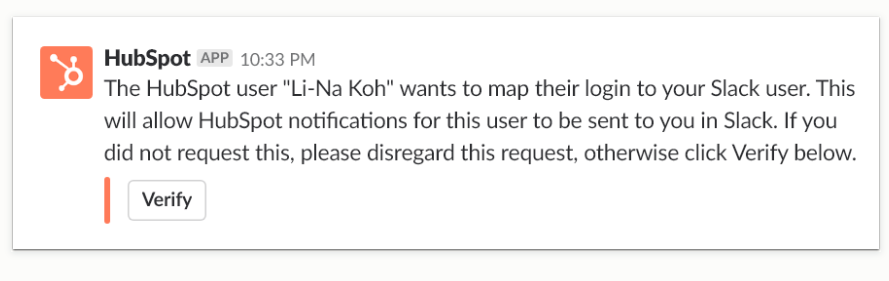
The integration also handles notifications in the other direction: HubSpot pushes alerts into Slack for things like new form submissions, deal stage changes, and live chat messages, so the right people get notified where they already are. Marketing emails can be previewed and shared through Slack too, handy when a campaign is going out and stakeholders want to see it without logging into HubSpot.
For a CRM, the value is straightforward: the faster a rep can log something or pull up a record, the more likely they are to actually keep the data accurate.
Customer Support · San Francisco, CA
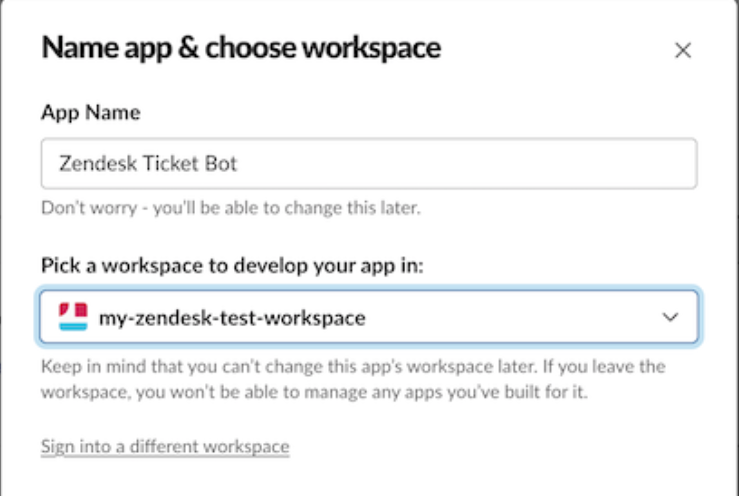
Zendesk is a customer support platform, and their Slack integration connects the two places where support work actually happens: the ticketing system and the team chat.
When a ticket is created or updated in Zendesk, a notification can be pushed to any Slack channel, giving the whole team visibility into what's coming in without anyone having to check the queue. Going the other way, agents can create a Zendesk ticket directly from a Slack message with a couple of clicks, turning a customer complaint or internal report into a tracked ticket without leaving Slack. The original Slack message gets pre-populated into the ticket description automatically.
There are several ways to create a ticket from Slack: a slash command, a right-click action on any message, the Zendesk app in the Slack sidebar, or by tagging the Zendesk bot in a Slack Connect channel. That last one is useful for companies that work with external partners in shared Slack channels, as it lets people outside the company submit support tickets without needing a Zendesk account. Agents can also add internal notes to tickets directly from Slack threads, keeping context in one place.
For support operations, the value is speed. The less friction between spotting an issue and logging it, the faster it gets resolved.
e-Signature & Contract Management · San Francisco, CA
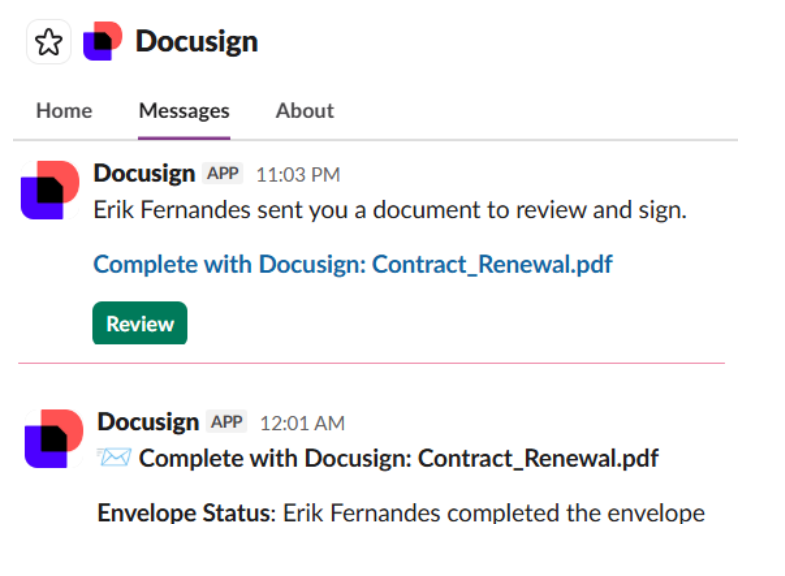
Docusign is an e-signature and contract management platform, and their Slack integration brings document signing activity into Slack so you never have to check your email or log into Docusign to stay on top of it.
Once connected, Docusign pushes notifications directly into Slack for the things that typically get missed: a document waiting for your signature, a completed envelope, a recipient who declined or submitted a comment, or a voided agreement. You can see at a glance what needs attention without switching contexts.
The integration covers two Docusign products. For e-signature users, you can send envelopes, use templates, and sign documents from within Slack. For contract management users, you can view and respond to comments and tasks on contracts without logging into the CLM system. Simple chatbot commands let you toggle notifications on or off, or log in and out, all from the Slack chat window.
For a product where delays in signing can hold up deals or projects, putting signature notifications where people actually are is a straightforward way to speed things up.